Interview Tips for IT Companies


IT Job Interview Tips provide you a wide range of questions that can be asked during an Interview or
in Written Test in IT Companies like Wipro,TCS,HCL,IBM ETC. The application answers most commonly asked questions in Top MNC’s either in Written test or in the interview.This app has list of top IT Companies with their Profile, Selection Process & written test questions list with answer.
Job Interview tips has common question list with answers of mostly asked in IT Industry and the questions are divided into sections for ease of use. i.e.
HR Question Tips
Technical Question Tips
MNC’s Interview Tips
A)TCS
B)WIPRO
C)INFOSYS
D)HCL
E)MAHINDRA SATYAM
F)IBM
& Resume Writing also which helps you to get faster growth in this competitive field.
People with an inclination towards IT Industry can use this app to sharpen their skill, and enrich their technical knowledge.


Read More..

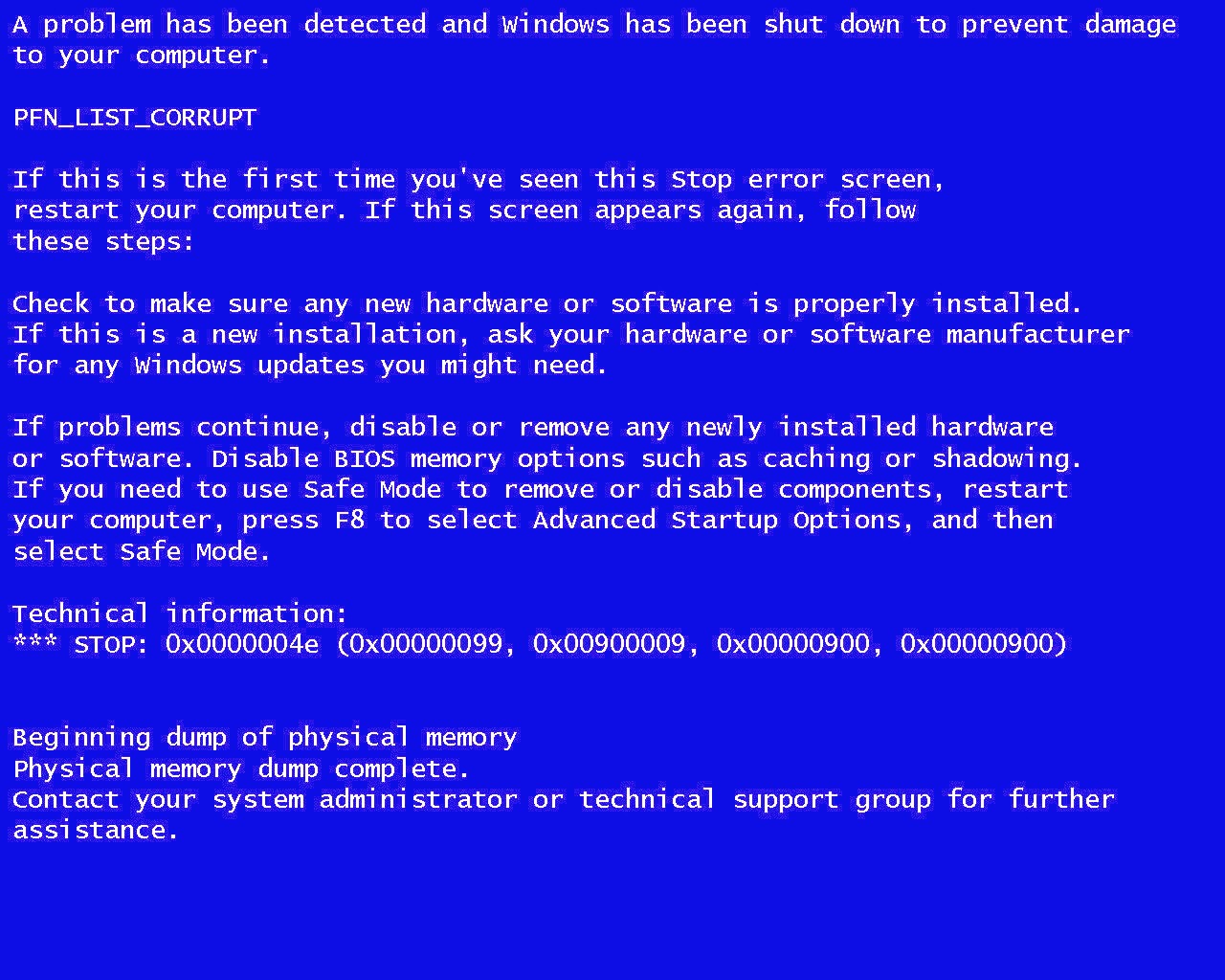
Windows Tips Blue Screen of Death Solution

Solution for Blue Screen

WhoCrashed shows the drivers which have been crashing your computer

WhoCrashed is a comprehensible crash dump analysis tool which will find the drivers which have been crashing your computer. It offers suggestions for troubleshooting and investigating the problem and points to possible solutions.

Version 5.00 offers some great new features and improvements including better detailed reports, better search links, better documentation, better conclusions and better suggestions for resolving problems.
The professional version now offers a set of additional features including kernel stack information with symbol resolution.

Solution for Blue Screen

WhoCrashed reveals the drivers responsible for crashing your computer

Whenever a computer running Windows suddenly reboots without displaying any notice or blue screen of death, the first thing that is often thought about is a hardware failure. In reality, most crashes are caused by malfunctioning device drivers and kernel modules. In case of a kernel error, most computers running Windows do not show a blue screen unless they are configured to do so. Instead these systems suddenly reboot without any notice.

WhoCrashed shows the drivers that have been crashing your computer with a single click. In most cases it can pinpoint the offending drivers that have been causing misery on your computer system in the past. It does post-mortem crashdump analysis and presents all gathered information in a comprehensible way.

Normally, debugging skills and a set of debugging tools are required to do post-mortem crash dump analysis. By using this utility you do not need any debugging skills to be able to find out what drivers are causing trouble to your computer.

If your computer crashed and produced a blue screen

It is suggested that you run WhoCrashed. WhoCrashed will analyze the crash dump files available on your computer and create a conclusion. It will inform you about responsible drivers and offer suggestions on how to proceed.

If your computer unexpectedly reset or shut down

If your computer unexpectedly reset or shut down, it is suggested that you run WhoCrashed. WhoCrashed will tell you if crash dumps are enabled on your computer, if not it will offer you suggestions on how to enable them.

 Its totally Free

Official website: http://www.resplendence.com/whocrashed


Download here: http://www.resplendence.com/downloads


Here are related Tutorial that may be of interest:

  • 10 reason why PCs crash u must know
  • FYI For Malware Infections, Threats, Types and Penetration
  • 30 Tips for your PC - Very useful and imformative
  • Tips to Speed Up Your Computer
  • SPEED UP YOUR INTERNET 100% tested and working NO SOFTWARE needed


Read More..

Tips How to Buy Phones Second

buy phones


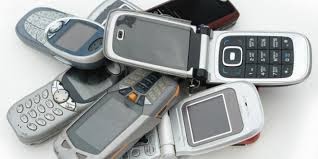
Buy phones second, Hand phone today has grown rapidly , and has become a necessity for every person. Imagine one day we do not grasp Mobile taste this finger itching to push-push anything . There are a variety of mobile phone brands , types and products ranging from the cheapest to the luxurious with high technology such as mobile phones coupled with PDA facility , 3G , digital camera , bluethooth , etc. , the more its features will be more expensive .

Because the price of more expensive new phone , many of us prefer to buy phones second, for a cheaper price we can get more feature complete than buying a new one . The following are some tips to buy a used Mobile we have to consider are:

Market price , which is the main requirement for buy phones second in each store must be different for you can see the benchmark price in the classifieds or tabloid tabloid pulses or sms then match the price in the store if the store is too expensive in price appeal in
classified ads just say " your price above the market " from which you directly to give an offer with the lowest price , for the other before you can purchase a survey of stores to shop compare differences do not correspond to the market price .
    
Buy phones second, Warranty , it is important whether it is an official guarantee / warranty shop , check first whether you will buy phones second for official warranty is still valid . Good store warranty is the warranty period of at least 3 months .
    
Buy phones second, Battery , it is a scourge in buy phones second, batteries become drop ( lowbat ) . There is a trick to know the batteries are still good or not first consider whether the flat surface of the battery / no ? . If not flat ( bubble ) it means the battery should be replaced aging . The second is the play menu , ringtone , call , shakes , mp3 , if we play the menu in 2-5 minutes if the battery indicator full marks then you play the menu and all of a sudden there is written the battery is weak then discovered that the batteries are exhausted . For HP battery brand Nokia original pictorial hands were shaking and a hologram .
   Buy phones second, 
LCD screen , it is also important because this part is quite expensive spare parts . While many are cheap but the quality is bad . Tricks to know the quality of the LCD is still good / can not you check to see the LCD surface from the right side under the left tasa if somewhat dark color LCD or LCD surface is uneven black speck like burning the LCD means qualitasnya ugly and the former in service . There are other ways see the quality of the LCD by pressing the outside of the upper and lower LCD frame if the press and then release note whether the on-screen menu remains intact or is opaque .
    
Buy phones second , Body parts in , take a look at the keypad transparent mica surface look at the cover bolts are visible cracks / still smooth ?
   Buy phones second, 
Seal , it is important see if nokia hologram seal still attached or been removed if it is disconnected or no longer , meaning the hp once in service .
   Buy phones second,  
Signal , is the life of a mobile phone in nokia many cases is no signal damage occurs to signal his replacement spare parts just about 200ribu . But many tricked by serviced by raising the signal for a while and then sold . To check the signal that there is a powerful way to use the card if using sympathy SYMPATHY if the signal is visible up and down too long may signal already dilapidated . Because the signal is very simple sympathy card was arrested in another appeal .
    
Buy phones second, Packing boxes and guidebooks , match boxes whether it is really appropriate boxes to mobile phones listed . To match between the boxes and mobile phones can be seen from the IMEI number printed behind the battery and in sampng box if the number is the same skewer . If different it could be a stolen phone . If the IMEI number is not there , you can find out by pressing * # 06 # on the phone keypad and the IMEI number will appear on the phone screen . Match the numbers on the screen with the labels
    
Buy phones second,  Check the year of manufacture , it is important to check the year of manufacture useful to know how long it is used . To check the year of manufacture by pressing * # 0000 # ( Nokia ) on the year of manufacture keypad will appear on the LCD screen .
Read More..

Powered by Blogger.