Windows 7 Launcher For Android Download Apk

Windows 7 Launcher For Android Download Apk


Software Information :

File Name:       Windows 7 Launcher.apk
File Size:      2.18 MB
Requires Android:      2.1 and up
Language:      English
License:      Freeware

Download Apk

 Windows Theme


Read More..

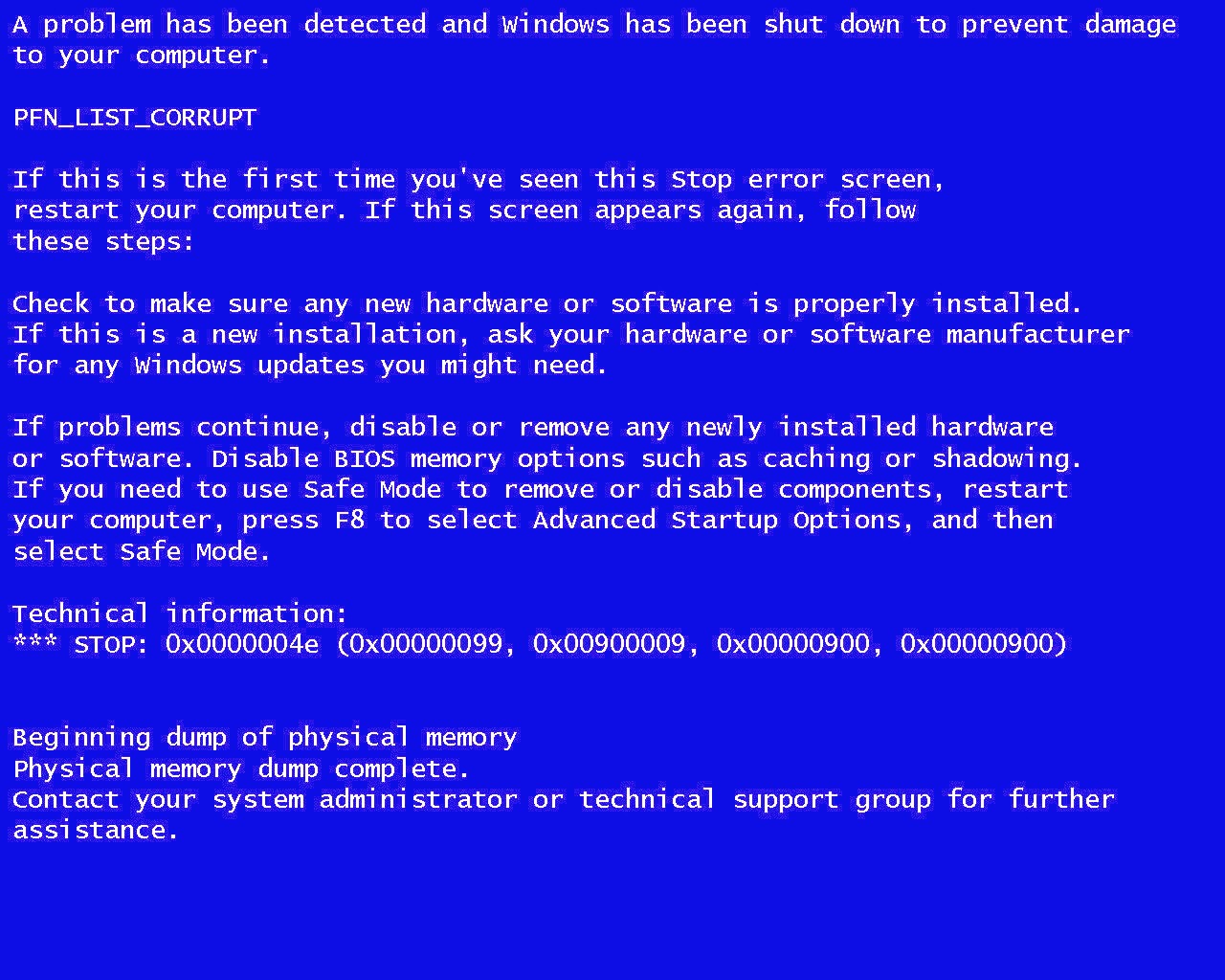
Windows Tips Blue Screen of Death Solution

Solution for Blue Screen

WhoCrashed shows the drivers which have been crashing your computer

WhoCrashed is a comprehensible crash dump analysis tool which will find the drivers which have been crashing your computer. It offers suggestions for troubleshooting and investigating the problem and points to possible solutions.

Version 5.00 offers some great new features and improvements including better detailed reports, better search links, better documentation, better conclusions and better suggestions for resolving problems.
The professional version now offers a set of additional features including kernel stack information with symbol resolution.

Solution for Blue Screen

WhoCrashed reveals the drivers responsible for crashing your computer

Whenever a computer running Windows suddenly reboots without displaying any notice or blue screen of death, the first thing that is often thought about is a hardware failure. In reality, most crashes are caused by malfunctioning device drivers and kernel modules. In case of a kernel error, most computers running Windows do not show a blue screen unless they are configured to do so. Instead these systems suddenly reboot without any notice.

WhoCrashed shows the drivers that have been crashing your computer with a single click. In most cases it can pinpoint the offending drivers that have been causing misery on your computer system in the past. It does post-mortem crashdump analysis and presents all gathered information in a comprehensible way.

Normally, debugging skills and a set of debugging tools are required to do post-mortem crash dump analysis. By using this utility you do not need any debugging skills to be able to find out what drivers are causing trouble to your computer.

If your computer crashed and produced a blue screen

It is suggested that you run WhoCrashed. WhoCrashed will analyze the crash dump files available on your computer and create a conclusion. It will inform you about responsible drivers and offer suggestions on how to proceed.

If your computer unexpectedly reset or shut down

If your computer unexpectedly reset or shut down, it is suggested that you run WhoCrashed. WhoCrashed will tell you if crash dumps are enabled on your computer, if not it will offer you suggestions on how to enable them.

 Its totally Free

Official website: http://www.resplendence.com/whocrashed


Download here: http://www.resplendence.com/downloads


Here are related Tutorial that may be of interest:

  • 10 reason why PCs crash u must know
  • FYI For Malware Infections, Threats, Types and Penetration
  • 30 Tips for your PC - Very useful and imformative
  • Tips to Speed Up Your Computer
  • SPEED UP YOUR INTERNET 100% tested and working NO SOFTWARE needed


Read More..

Canberra Windows User Group


This last week I spent time in Australia’s Capital City, Canberra (pronounced Kambra if you’re an Aussie). Amongst the sites and sounds that engulf this wonderful place are: our Parliament House (and our politicians), The Royal Australian Mint (where we make our coins) and Questacon – a Geeks Haven. Apart from enduring enjoying the four hour drive from Sydney I also had the chance to catch up with friends and acquaintances too. My main reason for being in Canberra was to conduct a Tablet Talk for the Canberra Windows User Group.


As I arrived in Canberra the one distinguishing feature that really hit me was the cold; as I left Sydney that morning it was a healthy (18 degree Celsius = 64.4 degree Fahrenheit). As I made my way to my meeting I knew my body was experienceing the weather difference, I glanced at my in-car thermostat and realised it was (1 degree Celsius = 33.8 degree Fahrenheit) and dropping rapidly - it got to -7 degrees Celsius that evening. As usual I had my little wheelie luggage bag full of Tablet PCs and now Ultra Mobile PCs too; knowing that the ACT (Australian Capital Territory) is covered in Governmental Agencies I came armed with resources and answers. I spent the evening prior developing a PowerPoint presentation that would take attendees through the past, present and future of UMPC. I will post this later for your own resources.

The CWUG is actually conducted over two 90 minute sessions with a pizza session in the middle. The first session attracted a lot of representatives from the Australian Defense Force and other Governmental Agencies. Judging by the amount of left-over pizza it looks as though the turn out was not as big as intended. The second session was mostly Microsoft Staff members that were keen to get a look, and understanding, of UMPC in Australia. The main topical questions revolved around battery life and Internet connectivity, but I was however pleasantly surprised with the two group’s enthusiasm and interest. The sessions turned out to be a real deep-dive with some more intriguing topics like implementation scenarios and internal hardware specifications getting a lot more focus than usual.

All-in-all my Canberra event was deemed a success by my host, David Mackie, and has sparked a wave of conversation and thought. I look forward to returning to the ACT shortly and continuing the traveling UMPC show. My commitment remains unresolved and my passion remains focused on building an understanding, and faith, in what will shortly become the Form Factor of choice in the enterprise arena…UMPC!

PS. Special thanks to Jeff Alexander, Microsofty, for garnering attention towards the CWUG, and my UMPC convoy!

Read More..

Powered by Blogger.